
Salesforce continues to invest heavily in Flow, making it the go-to automation tool for admins and developers. With the Summer ’26 release, Flow becomes more powerful, user-friendly, and scalable than ever before.
Let’s explore the key Flow updates that will transform how you design, debug, and optimize automation.
🔽 1. Collapsible Fault Paths
Handling errors in complex flows just got cleaner.
You can now collapse fault paths, reducing visual clutter in Flow Builder. This helps you focus on the primary logic while still keeping error handling easily accessible when needed.
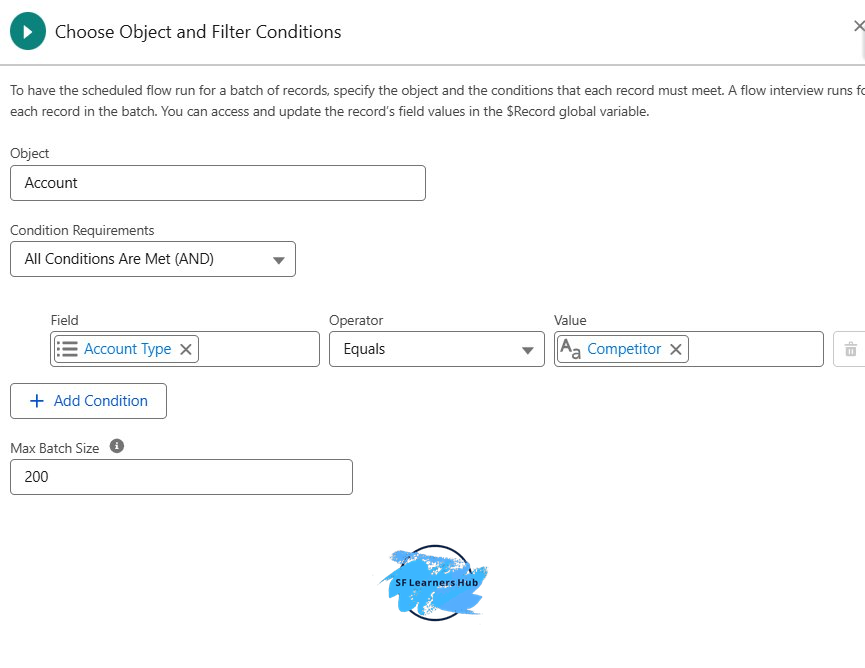
⚙️ 2. Define Batch Size in Schedule-Triggered Flows
Performance tuning is now in your hands.
You can configure batch size for scheduled flows, allowing you to control how many records are processed per transaction.
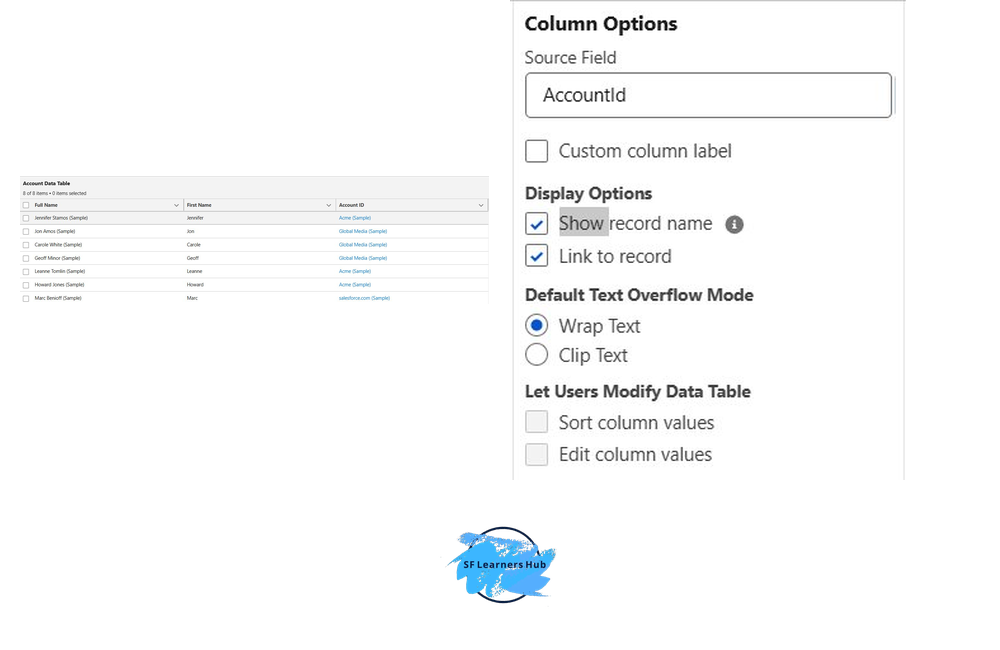
🔗 3. Show Related Record Names in Datatable
No more confusing record IDs!
The Flow Datatable now supports displaying related record names (like Account Name instead of AccountId).
🔘 4. Radio Button Group in Screen Flows
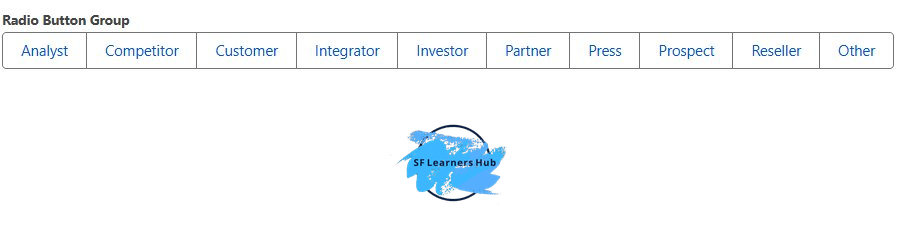
Screen flows now offer a modern radio button group UI.
This enhancement provides a cleaner and more structured way for users to select options like Account Type.
🌐 5. Global Flow Resources
Reusability reaches the next level.
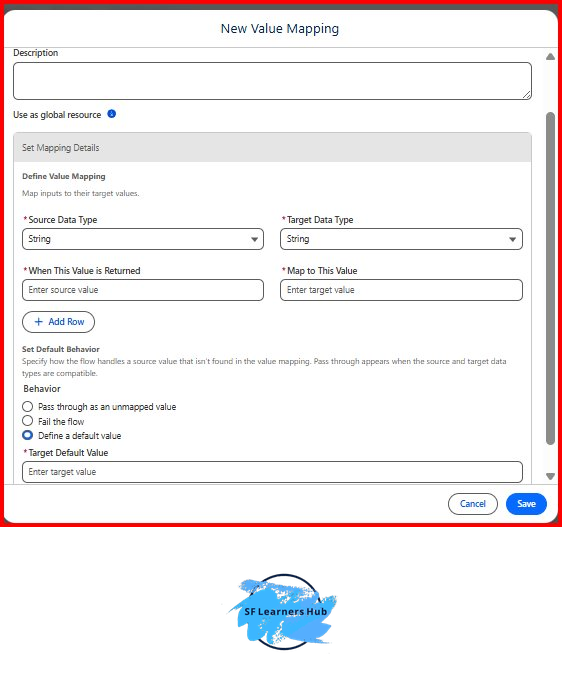
You can now define Global Flow Resources that can be reused across multiple flows.
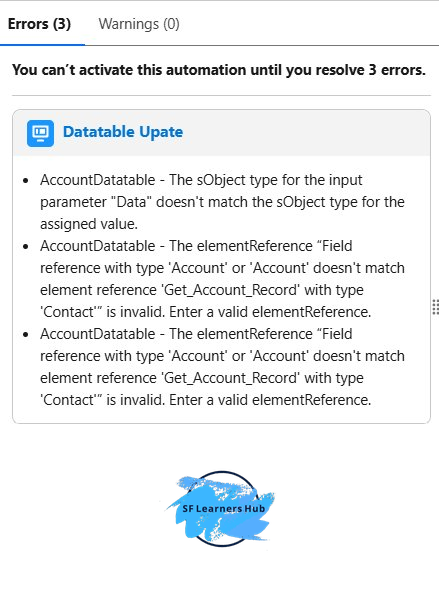
⚠️ 6. Improved Flow Error Messages
Debugging flows is now easier than ever.
Error messages are more descriptive and actionable, helping you quickly identify issues like:
- Data type mismatches
- Invalid references
- Configuration errors
📊 7. Element Error Rate Visibility
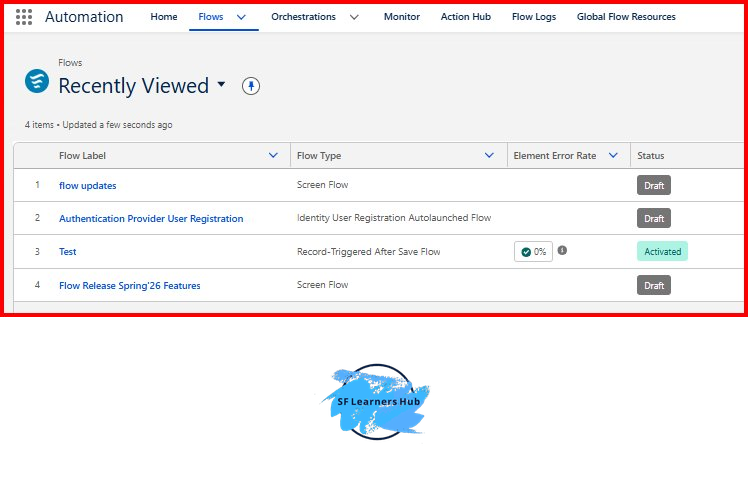
Gain deeper insights into your flow performance.
You can now track Element Error Rate, showing how frequently specific elements fail.


One Response
malavikabasani5@gmail.com